

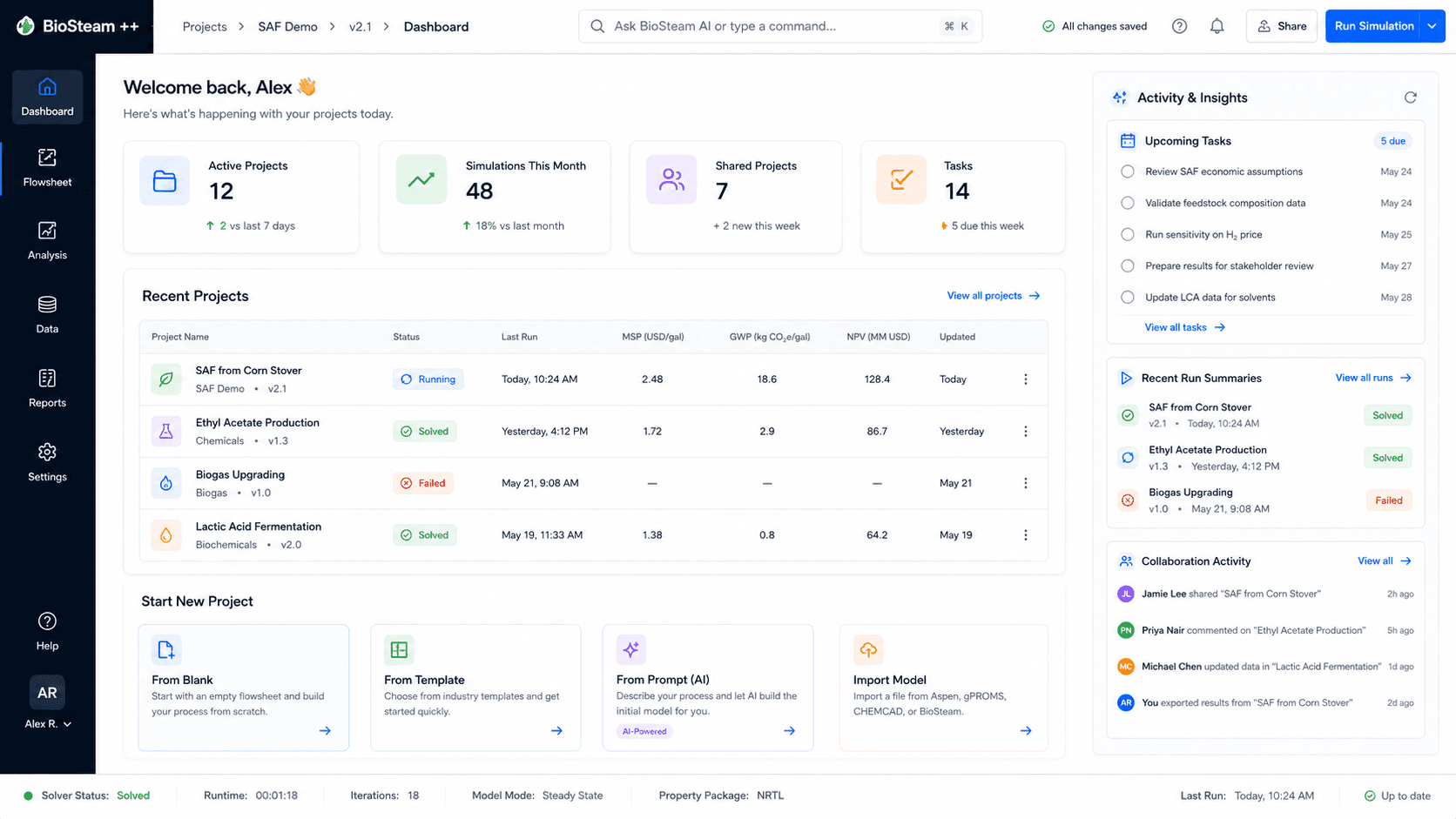
Project command center
Projects, model status, scenarios, and recent results in one view.
An AI-native process simulation environment.
Overview
The first AI-native process engineering environment where process models are living knowledge graphs rather than static simulation files.
Import existing models, work from shared assumptions, and connect each process change to techno-economic analysis, life cycle assessment, and downstream engineering decisions. BioFlow Studio is faster to iterate, more collaborative, and tightly integrated with the decisions that follow the simulation.
Inside the workspace
From flowsheet setup to TEA, inventory generation, and route comparison.
Projects, model status, scenarios, and recent results in one view.
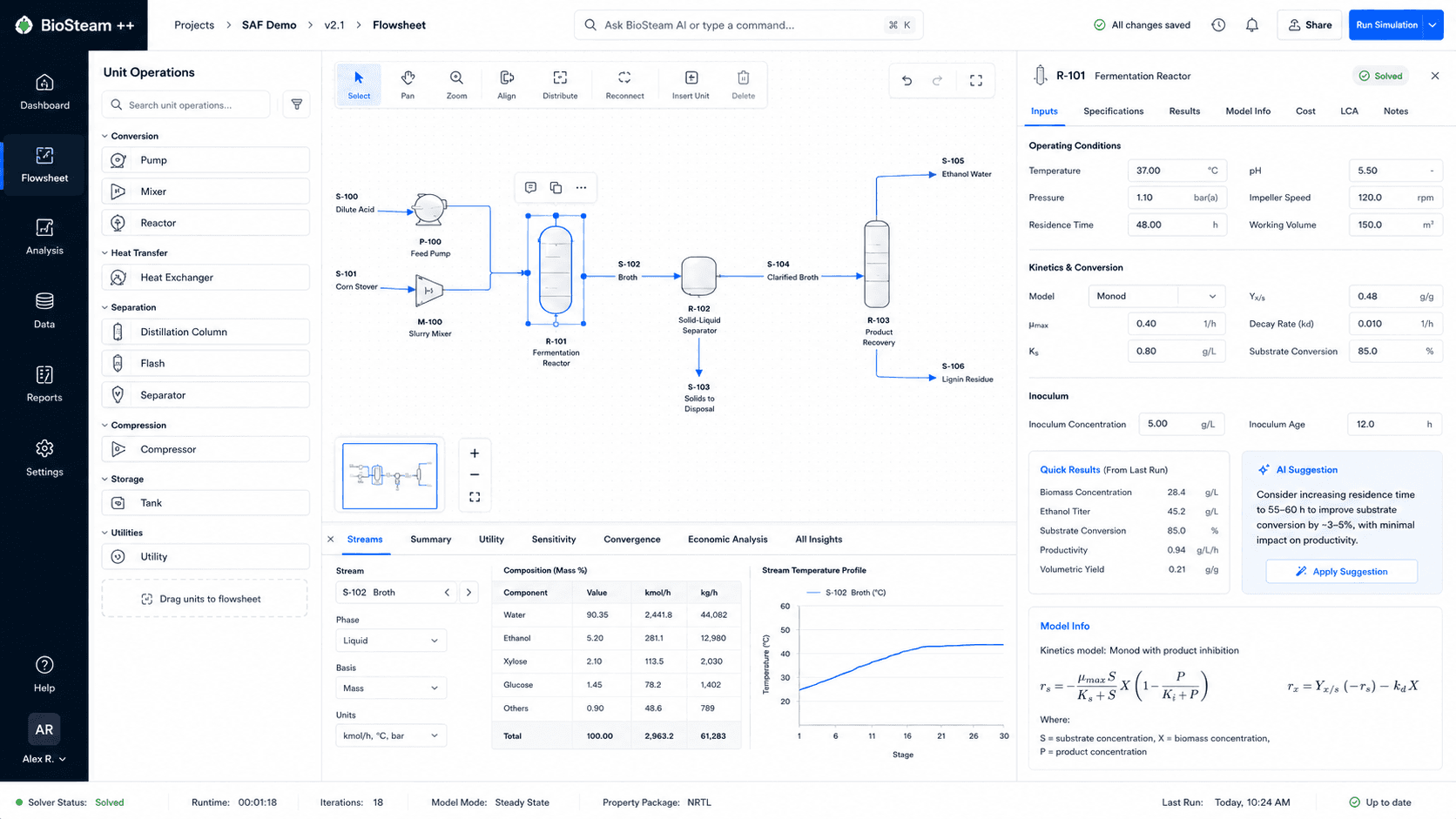
Build unit operations, edit inputs, and inspect stream data.
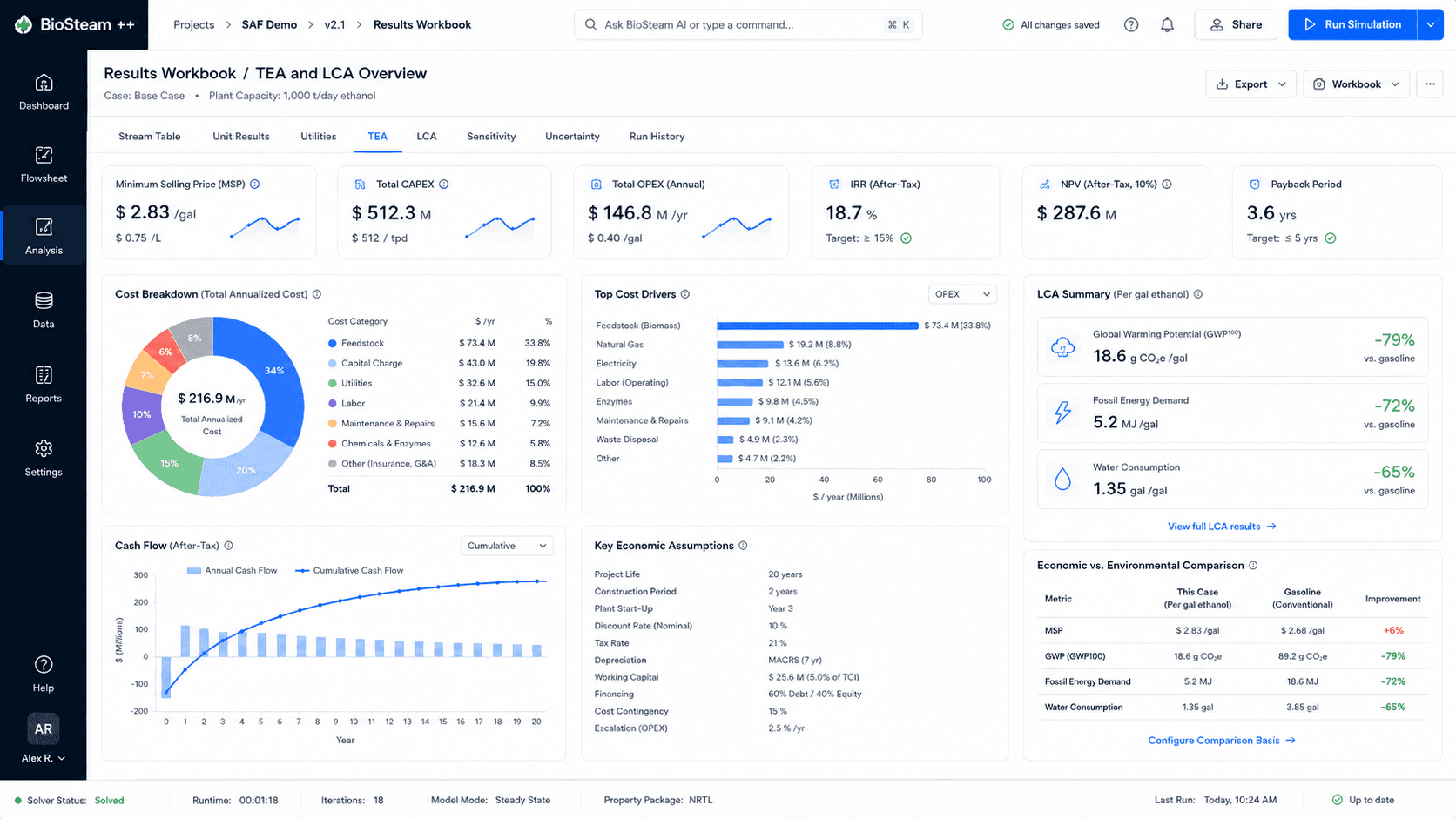
Review CAPEX, OPEX, cash flow, inventory, and scenario results.
Interface concepts. Labels and details may change during development.
Features
Core functions in the current product direction.
Represent units, streams, assumptions, evidence, and results as a connected engineering knowledge graph.
Bring in Aspen, BioSTEAM, QSDsan, DWSIM, and spreadsheet models without rebuilding the study from scratch.
Carry process changes into cost, inventory, impact, and scenario analysis from the same assumptions.
Give teams one shared, reviewable model instead of isolated simulation files and disconnected reports.
Compare routes, scale-up assumptions, constraints, uncertainty, and operating conditions.
Use agents for model setup, checks, analysis, and documentation while engineers retain control.
Integrations
BioFlow Studio connects Aspen, BioSTEAM, QSDsan, DWSIM, spreadsheets, and Python workflows to one shared engineering model.
Connects with
 BioSTEAM
How it works
A connected path from existing models to reviewed engineering decisions.
Start with Aspen, BioSTEAM, QSDsan, DWSIM, spreadsheets, or a new model.
Map units, streams, assumptions, evidence, and dependencies into a living graph.
Run the selected engines and keep model state, inputs, and outputs synchronized.
Connect process results to TEA, LCA, scenarios, and uncertainty analysis.
Review trade-offs, document evidence, and carry approved changes downstream.
Model interoperability
Import and orchestrate existing models without forcing the study into a single simulator.
Import
Existing process models
Aspen, BioSTEAM, QSDsan, DWSIM, and spreadsheets
BioFlow Studio
Living process knowledge graph
Connected analysis
Simulation
Multi-engine execution
TEA
Cost and cash flow
LCA
Inventory and impact
Decisions
Scenarios and trade-offs
Use cases
Representative applications for process and route evaluation.
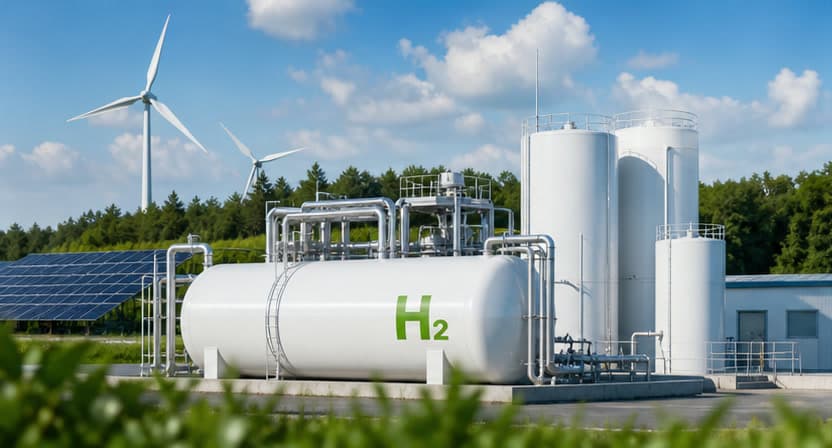
Design and evaluate hydrogen production pathways with TEA, LCA, and scenario analysis.
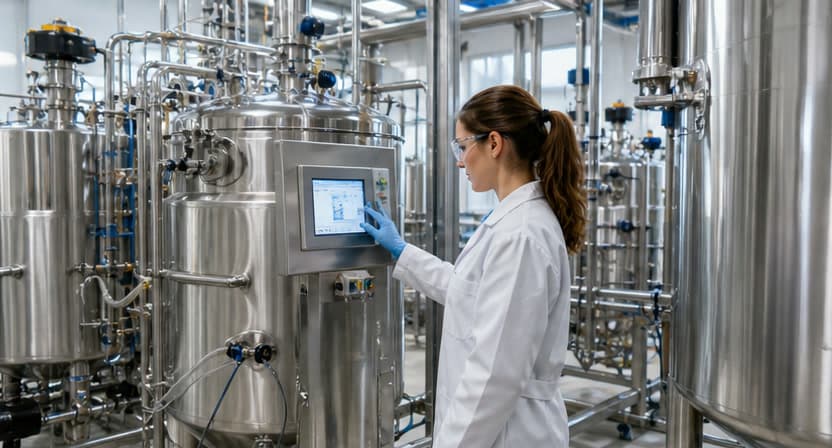
Assess fermentation, downstream processing, and product recovery systems.

Model bio-based polymers, fuels, and chemicals from renewable feedstocks.
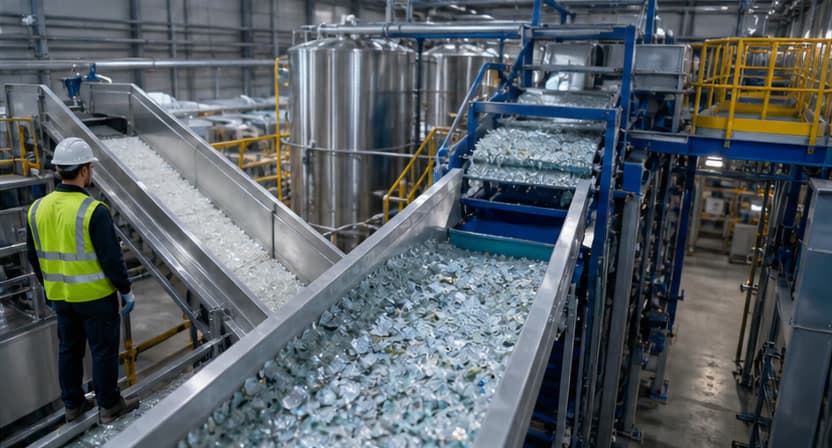
Evaluate circular strategies, waste valorisation, and resource recovery systems.
Status
BioFlow Studio is modular and human-reviewed. Engineers choose the modeling engines, validate assumptions and results, and control every approval.
Also from SDAI
An agentic environment for life cycle assessment.
Tell us what you are modeling and which tools you use.